WhatsApp Messenger
- 4.6
- Rating
- 10.00B
- Installs
- Free
- Price

 Analysis by App-foxy
I use messaging apps for very different reasons: keeping up with family, sending a quick voice note, sharing photos, joining a group conversation, or making a call without opening a separate service. WhatsApp Messenger is built around that everyday rhythm. It is a free communication app from WhatsApp LLC, and its enormous user base makes it especially useful when the people I need to reach already use it.
My experience with it is less about discovering one spectacular feature and more about seeing how many ordinary conversations it can gather in one place. Text chats, voice messages, calls, group discussions, media sharing, and status updates all sit inside the same familiar interface. That simplicity is a real strength, although it also means people looking for a highly specialized collaboration tool, a very private minimalist messenger, or a platform with a different social culture may prefer another option.
How I decide whether WhatsApp is the right messenger
The first question I ask is not whether an app has the longest feature list. It is whether the people I actually contact are there. WhatsApp has reached more than ten billion installs and holds a 4.7 average from roughly 236 million ratings, so in many families, workplaces, neighborhoods, and travel circles, it is already the default meeting point. That matters more than a clever interface if I need to reach someone quickly.
In-Depth Coverage of WhatsApp Messenger
I also look at how much effort a service demands from the person receiving my message. With WhatsApp, I can normally begin with a phone number rather than persuading someone to create a separate username or join a new community. That makes it practical for relatives who are comfortable with phones but do not want to learn a complicated platform. It is also convenient when a group already has an established chat and moving everyone elsewhere would create confusion.
The next criterion is the shape of my communication. For short personal conversations and family groups, WhatsApp feels natural. For a project that needs formal task ownership, searchable documentation, or a carefully organized archive, I would judge it differently. A chat can be active and useful while still becoming difficult to navigate once important details are buried under casual replies, forwarded media, and unrelated messages.
Privacy expectations deserve their own place in the decision. The app presents itself around private communication, which is reassuring for ordinary conversations, but I still avoid treating any messenger as a perfect vault. I choose recipients carefully, check group membership before sending sensitive material, and remember that a private chat does not prevent another person from copying or sharing what I wrote. That is a sensible habit regardless of the service.
WhatsApp is free to download and use, with optional in-app purchases listed from about forty cents to nearly two hundred dollars per item. For a normal personal user, the important decision is therefore not usually the purchase price. It is whether the app’s contact network, calling habits, group behavior, and account setup suit the way I communicate.
What daily messaging feels like
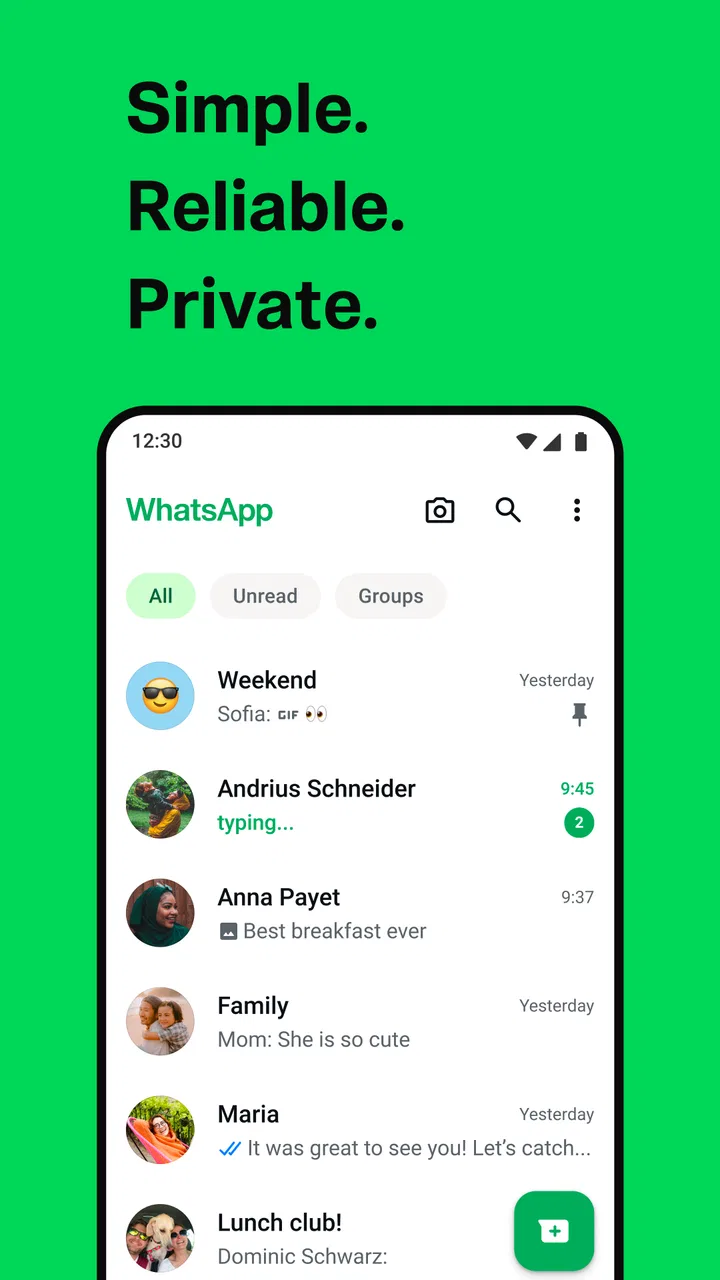
The basic chat experience is easy to understand. I can send a written message when a reply is not urgent, record a voice message when typing would take too long, and move into a call when text becomes inefficient. That gradual shift from text to audio is one of the reasons the app works well for families and close friends. I do not need to explain several different services depending on the conversation.
Voice messages are particularly useful in realistic situations. If I am carrying groceries, walking between appointments, or trying to explain something with emotion and detail, speaking can be more natural than typing. The trade-off is that voice notes are not always considerate in a crowded place, and long recordings can be harder to search later than a short written summary. I tend to use them for personal coordination, not for information I may need to find weeks later.
Media sharing adds convenience but also requires discipline. A group can quickly become a stream of photographs, clips, documents, and reactions. I recommend using descriptive captions when sending something important and starring or otherwise preserving information I will need again, rather than assuming I will remember where it appeared. This small habit makes a busy chat much more useful.
Groups are powerful, but their design affects the experience
Groups are where WhatsApp can become either indispensable or exhausting. A family group can handle birthday plans, travel updates, and quick questions without requiring everyone to be available at the same time. A school, club, or neighborhood conversation can also work well when the purpose is clear and the message volume stays manageable.
The difficulty is that a group rarely stays perfectly focused. A useful announcement may sit beside jokes, repeated greetings, photos, and side conversations. I get better results when the group has a defined purpose and when important decisions are restated clearly rather than left inside a fast-moving thread. For larger or more formal communities, a platform designed around channels, announcements, or structured discussion may be easier to manage.
One practical workflow is to separate coordination from conversation. I use the group for quick updates, then keep the final address, appointment time, packing list, or agreed instruction in a clearly written message. That does not remove the clutter, but it reduces the chance that someone has to scroll through a long exchange to understand the outcome.
You May Also Like

 Blood Strike: 2.5 Anniversary
Blood Strike’s Loadouts Turn Every Drop Into a Tactical Gamble
A close look at Blood Strike’s custom loadouts: how fast access to signature weapons reshapes its battle royale rhythm, rewards preparation, and narrows the gap between fights.

 Pandora - Music & Podcasts
Pandora’s Music Is Easy to Start, but Harder to Recover
Pandora’s strength is its low-effort path from a seed to a station. Its weak spot is how much confidence it asks you to place in connection, setup, and quiet recovery.

 8 Ball Pool
8 Ball Pool Is Built on Rivalries, Rematches, and Routine
A close look at the rivalries, rematches, shared routines, and unanswered safety questions that turn a quick pool match into a persistent mobile community.

 Samsung Music
Samsung Music’s Quiet Strength Is Playing What You Already Own
Its reach comes less from spectacle than from dependable access to a personal library. That simplicity is both the app’s strongest retention engine and its ceiling.

 AccuWeather: Weather Radar
AccuWeather Review: A Quick, Clear Forecast for Everyday Decisions
For everyday plans, the best forecast is the one you can understand quickly. AccuWeather makes rain timing, radar, and local conditions easy to act on, with a few trade-offs.

 Hill Climb Racing
Why Hill Climb Racing Still Turns Crashes Into One More Run
A tiny car, a bumpy hill and one more upgrade: Hill Climb Racing keeps resurfacing because its simple chaos makes every near-miss feel personal.
More From Our News Desk



Calls and location-based coordination
When messaging turns into live conversation, WhatsApp’s calling tools make the transition feel straightforward. I find that useful when several people are already discussing the same event and a short call can settle a question faster than a chain of replies. It is also helpful for keeping in touch with people who may not want a separate video-meeting application for informal conversations.
For travel or meeting arrangements, the app can serve as a practical coordination layer. I can send a meeting point, confirm that I am on the way, and keep the related discussion in one chat. My advice is to avoid sending a location or personal detail automatically just because it is convenient. Before sharing, I check who is in the conversation and whether the information will remain useful after the event.
Calls are not a replacement for every alternative. A dedicated meeting service may be better for a planned presentation, a work session with formal controls, or a conversation where participants need a more structured environment. WhatsApp is strongest when the call is an extension of an existing personal chat rather than a full event with complicated requirements.
Small features that improve real use
One of the less obvious strengths of WhatsApp is that it rewards small organizational habits. I use chat search when I remember a word, name, or phrase but not the date of a conversation. That is much faster than manually scrolling through months of messages. Search becomes more effective when I write specific details instead of vague replies such as “okay” or “see you there.”
Another useful habit is separating urgent communication from non-urgent reading. I mute conversations that are active but do not require immediate attention, while keeping notifications available for direct contacts or time-sensitive groups. This helps prevent the app from turning every reaction into an interruption. The exact value of muting depends on how many groups I join, but the principle is simple: not every conversation deserves the same alert level.
I also treat archived or organized chats as a way to reduce visual noise rather than as a permanent filing system. Before hiding a conversation, I make sure I know how I will find it again. This is especially important for temporary groups, service conversations, and event planning, where the chat may be quiet for a while and suddenly become relevant.
Status updates can be useful for low-pressure sharing because they do not require me to send the same message individually to every contact. I see them as a lightweight way to share a moment or an update, not as a substitute for a direct conversation. If I need a guaranteed response, I send a message to the person or group concerned instead of assuming that everyone will notice a status.
Where WhatsApp wins, and where another category fits better
WhatsApp wins through network effect and low friction. If my family, friends, and local contacts already use it, the app removes the awkward step of coordinating a new platform. Its combination of direct messages, groups, voice notes, calls, and media sharing covers most personal communication without making me switch between several apps.
It is also a strong choice for mixed-technology households. Some people want the simplest possible chat, others prefer voice messages, and others communicate mostly through photos. WhatsApp gives each person a familiar route into the same conversation. That flexibility explains why it can feel more useful than a technically impressive service that only a few contacts are willing to install.
Compared with traditional text messaging, WhatsApp is more comfortable for ongoing group conversations and media-heavy exchanges. Compared with email, it feels faster and more conversational, but it is less suitable for formal records, long structured explanations, and messages that need careful filing. Compared with dedicated work platforms, it is easier for personal use but less appropriate when a team needs clear ownership, project history, or organized documents.
Privacy-focused alternatives may appeal more to someone whose main priority is minimizing exposure and keeping communication narrowly focused. I would consider that category when the people I contact are willing to use it and when the conversation involves especially sensitive subjects. The strongest privacy tool is not helpful if nobody in the relevant circle has an account or checks it regularly.
Social platforms with public feeds or large communities may be better for discovering content and meeting strangers. WhatsApp is more personal and contact-centered. That is an advantage when I want a conversation with known people, but a limitation when I want broad discovery, public discussion, or a large searchable community.
Dedicated collaboration tools are better for work that must survive beyond the conversation. If I need a task list, a project archive, role-based access, or a formal record of decisions, I would not force WhatsApp to act like a project-management system. It can support quick coordination, but it should not be the only place where important operational information lives.
The real cost of switching
Moving to another messenger is not just a matter of installing an app. The difficult part is moving the people, habits, and expectations around it. A family may agree that another service is appealing, yet continue using WhatsApp because one relative, school group, or travel contact remains there. That creates duplicate notifications and makes it easy to miss messages.
Before switching, I would identify the conversations that genuinely matter, tell those contacts where to reach me, and keep the old app available during the transition. I would not assume that every group will move together. Some people may prefer to stay, especially if they use the app for calls or because it is already installed on their phone.
There is also a memory cost. Years of photos, jokes, addresses, voice notes, and family decisions can make an old chat feel like a personal archive. I recommend saving important information separately before changing services. A messenger is convenient for conversation, but it is not the same thing as a carefully maintained backup or document repository.
Switching can be worthwhile when the current app repeatedly causes a problem that matters to me, such as poor organization, an unsuitable privacy model, or a lack of tools for professional work. It is less worthwhile when I am merely attracted by a different interface while all my useful contacts remain on WhatsApp. In that situation, running two apps may create more friction than it removes.
Who should use it and who should skip it
I recommend WhatsApp to people who want one familiar place for personal chats, family groups, voice messages, calls, and everyday media sharing. It is especially practical when the people around them already use it. The Everyone content rating also makes it broadly approachable for general household communication, although parents should still teach children sensible habits around contacts, group invitations, and sharing personal information.
I would also recommend it to travelers and people with contacts spread across different places, provided their important contacts are already reachable there. The value comes from continuity: the same conversation can handle a quick question, a photograph, and a call without turning each step into a separate setup process.
I would hesitate to recommend it as the main tool for a formal business workflow, a heavily documented project, or a community that needs strict organization. I would also suggest looking elsewhere if nearly all of the people someone needs to contact use another messenger. A service can be excellent in isolation and still be the wrong choice for a particular social circle.
My final view is positive but practical. WhatsApp Messenger is not compelling because it tries to be everything; it is compelling because it handles the common parts of communication with very little explanation. I like it most when I need reliable contact with people who are already there, and I use it with a few habits that reduce clutter: mute noisy groups, search instead of scrolling, write important details clearly, and move lasting information into a more suitable place.
WhatsApp LLC has built an app that is easy to recommend to a friend who wants a familiar, free communication hub. I would not choose it automatically for every privacy, work, or community need, but for ordinary personal messaging it remains a sensible default. If your contacts already use it, the convenience usually outweighs the effort of maintaining another messenger.
FAQs for WhatsApp Messenger
01How secure is WhatsApp Messenger?
WhatsApp Messenger uses end-to-end encryption to secure messages, meaning only the sender and recipient can read them. This security feature ensures that even WhatsApp cannot access the content of the messages. However, users should still be cautious about phishing scams and unauthorized access to their devices.
02Can I use WhatsApp Messenger on multiple devices?
WhatsApp primarily operates on a single smartphone per account, linked to your phone number. However, the app now supports multi-device functionality, allowing you to use WhatsApp Web or Desktop without needing your phone to be connected to the internet. This feature is still rolling out, so availability may vary.
03Does WhatsApp Messenger use a lot of data?
WhatsApp is relatively efficient in terms of data usage, but it depends on your activity. Text messages consume minimal data, whereas voice and video calls, especially in high quality, can use more. You can manage data usage by adjusting media auto-download settings and choosing lower quality options for calls.
04What features does WhatsApp Messenger offer for group chats?
WhatsApp offers a robust set of features for group chats, including the ability to create groups with up to 1024 participants, send multimedia messages, and make group voice and video calls. Admins have control over group settings, including adding or removing members and setting group descriptions.
05How do I back up my WhatsApp chats?
To back up WhatsApp chats, you can use Google Drive on Android or iCloud on iOS. Enable automatic backups in the app settings under 'Chats' and 'Chat Backup.' You can choose the frequency of backups and whether to include videos, ensuring your data is safe and recoverable.
Pros
- User-friendly interface for easy navigation.
- End-to-end encryption ensures privacy.
- Supports multimedia sharing seamlessly.
- Free international messaging and calls.
- Large user base for widespread connectivity.
Cons
- Requires phone number for account setup.
- Limited customization options available.
- Backup only on specific cloud services.
- No built-in GIF creation tools.
- Group chat size is limited to 1024 users.

WhatsApp Messenger
Gallery